
A useful AI influencer workflow connects three decisions: who the character is, what the content communicates, and how you will judge the result. Choosing a face is only the beginning.
Use this guide to build a repeatable creative process across Marketplace, Influencer Builder, Images, and video. The goal is a coherent series you can review, not a promise of reach or revenue.
Start with the content brief
Define the audience and the recurring subject before choosing the character. An account explaining practical wardrobe choices needs a different visual brief from one demonstrating a fitness product or exploring city travel.
- Audience: who should find the content useful?
- Subject: what will the character return to across several posts?
- Visual identity: which features, colors, and styling should stay recognizable?
- Format: are you making portraits, full-body scenes, short motion clips, or a mixture?
- Review criteria: what makes an image or clip ready to use?
Write the answers in a brief you can revisit. They provide a better basis for evaluating a model than choosing whichever preview looks most striking.
Choose a character through Builder or Marketplace
Use Builder when you want to shape an original visual identity through appearance settings or a written prompt. Use Marketplace when you want to browse existing models and inspect their details before choosing.
Do not treat a single preview as a complete test. Consider how the character will appear in the poses, clothing, and environments your brief requires. Review any purchase or usage terms shown in the actual model flow before proceeding.
Create a small test series
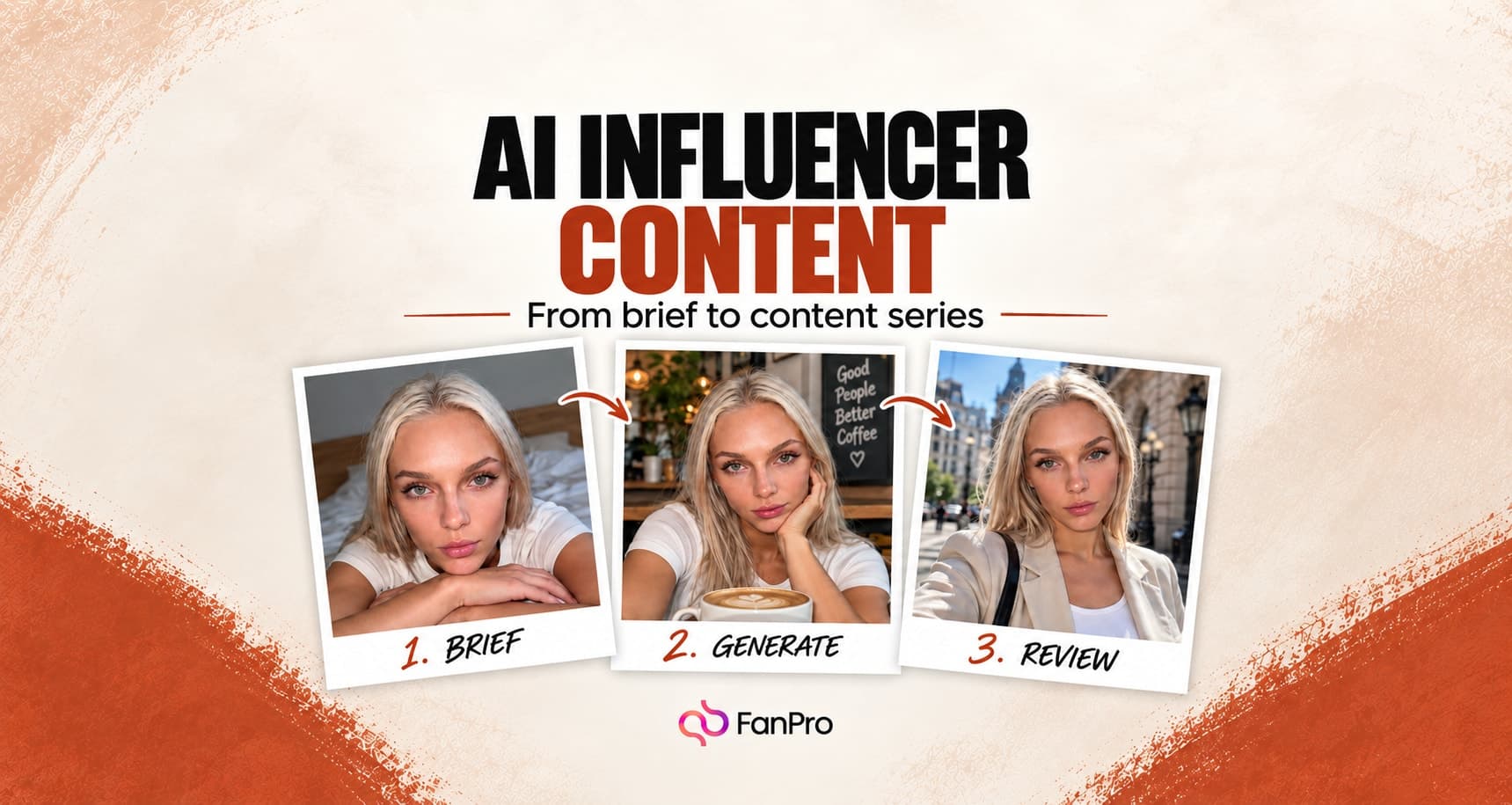
Choose a few scenes that belong to the same editorial idea. For a citywear creator, that might be a full outfit, a seated café portrait, and a detail-led accessories frame. Keep the selected influencer and core styling consistent while varying the composition.
| Frame | What it tests |
|---|---|
| Full outfit | Whether the character and clothing hold together in a wider frame |
| Closer portrait | Whether facial identity and expression fit the brief |
| Environmental scene | Whether the character belongs naturally in the chosen setting |
Compare the images together. If they feel like unrelated characters or conflicting visual styles, refine the configuration before expanding the series.
Keep the ingredients of a successful result
Save more than the finished image. Retain the prompt, selected influencer, generation mode, output ratio, and the choices that shaped the shot. A successful result is easier to build on when you can reconstruct the brief.
Use the Prompt Library for reusable instructions and the Assets areas for your media. Give names a practical structure: subject, use, and version. “Citywear — café portrait — v2” carries more context than a generic “final” label.
Add motion after the still frame works
Use Image to Video when a reviewed still should become a moving shot. Decide what moves and what remains stable: a small head turn, a walk, a camera movement, or a background action. Keep the motion consistent with the space shown in the source image.
Review the full clip, including its first and last frames. A strong opening image does not guarantee that hands, clothing, or facial detail remain stable during movement.
Review the series before using it
- Identity: does the character remain recognizable?
- Message: can the intended idea be understood without explaining the generation process?
- Detail: do faces, hands, objects, and text withstand inspection?
- Consistency: do the images or clips belong to the same visual world?
- Readiness: have you selected and saved the final versions?
Treat performance as something to measure after publication. The tool helps you make content; it does not establish whether a particular character, format, or message will attract an audience. Keep a record of what you publish and use your actual results to guide the next iteration.