MCP · Skills · API
Your agent just became a content studio
Connect FanPro to Claude, ChatGPT, Cursor, or any MCP-compatible agent, and generate scroll-stopping images, videos, and influencer content without ever opening a dashboard.
1
Copy your FanPro MCP URL
Grab the connection link. You'll paste it into your agent's settings next.
2
Add it as a custom connector
Open Settings → Connectors, name it FanPro, and paste the URL.
3
Sign in and start creating
Connect, sign in with your FanPro account, and you're live. Now just tell your agent what you want to make. For the best experience, we recommend using Claude Cowork or Claude Code.
Toolkit
Everything your agent needs
to create, not just generate
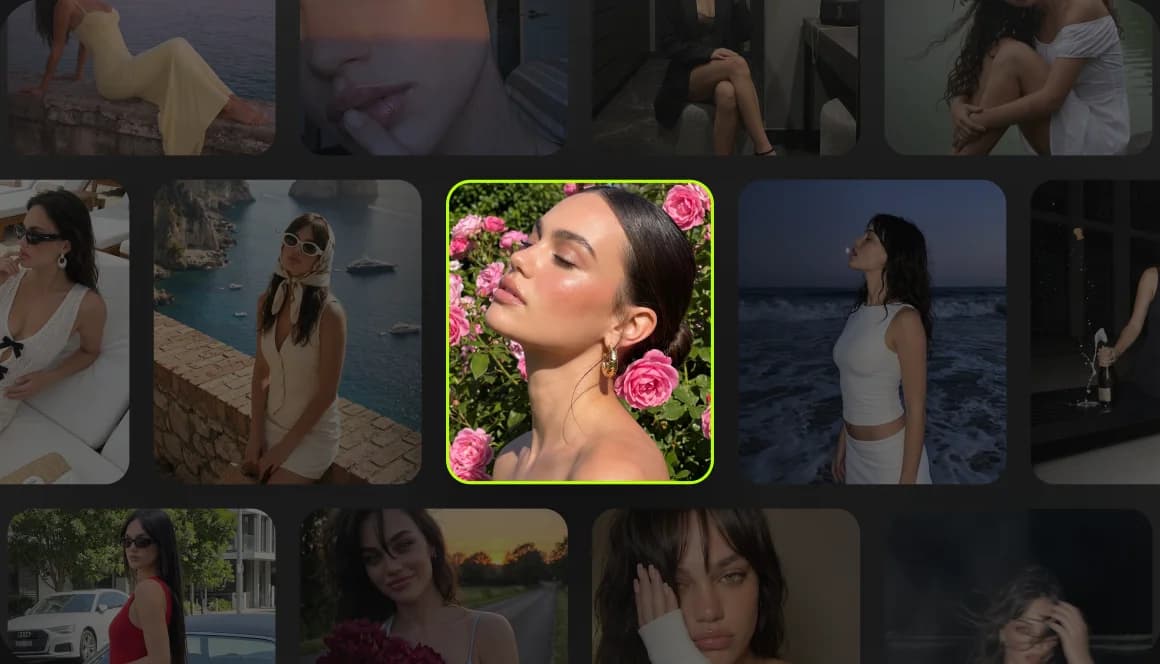
Build a face your audience will recognize
Upload a set of reference photos once, and your agent creates a consistent character you can reuse across every campaign, post, and video. No reshoots, no drift.


One studio. Every agent you already use.
No more tab-switching between your workflow and yet another dashboard. Ask your agent to generate a product video, build a consistent influencer, or check if your next post is worth publishing. FanPro handles the rest, using the same account and credits you already have.
FanPro connects to Claude, ChatGPT, OpenClaw, Cursor, Perplexity, Hermes, and custom MCP agents.





FAQ
Still curious?
FanPro runs on MCP (Model Context Protocol), an open standard that lets AI agents use external tools directly. Once connected, your agent can generate images and videos, build consistent characters, and score content, all inside your existing conversation.
FanPro

From idea to published.
In one conversation
Tell your agent what you're making. It picks the right FanPro tool and delivers a result ready to use, not a rough draft you still have to fix.
FanPro
CinematicFanPro
MarketingFanPro
SocialFanPro
BrandFanPro
Influencer