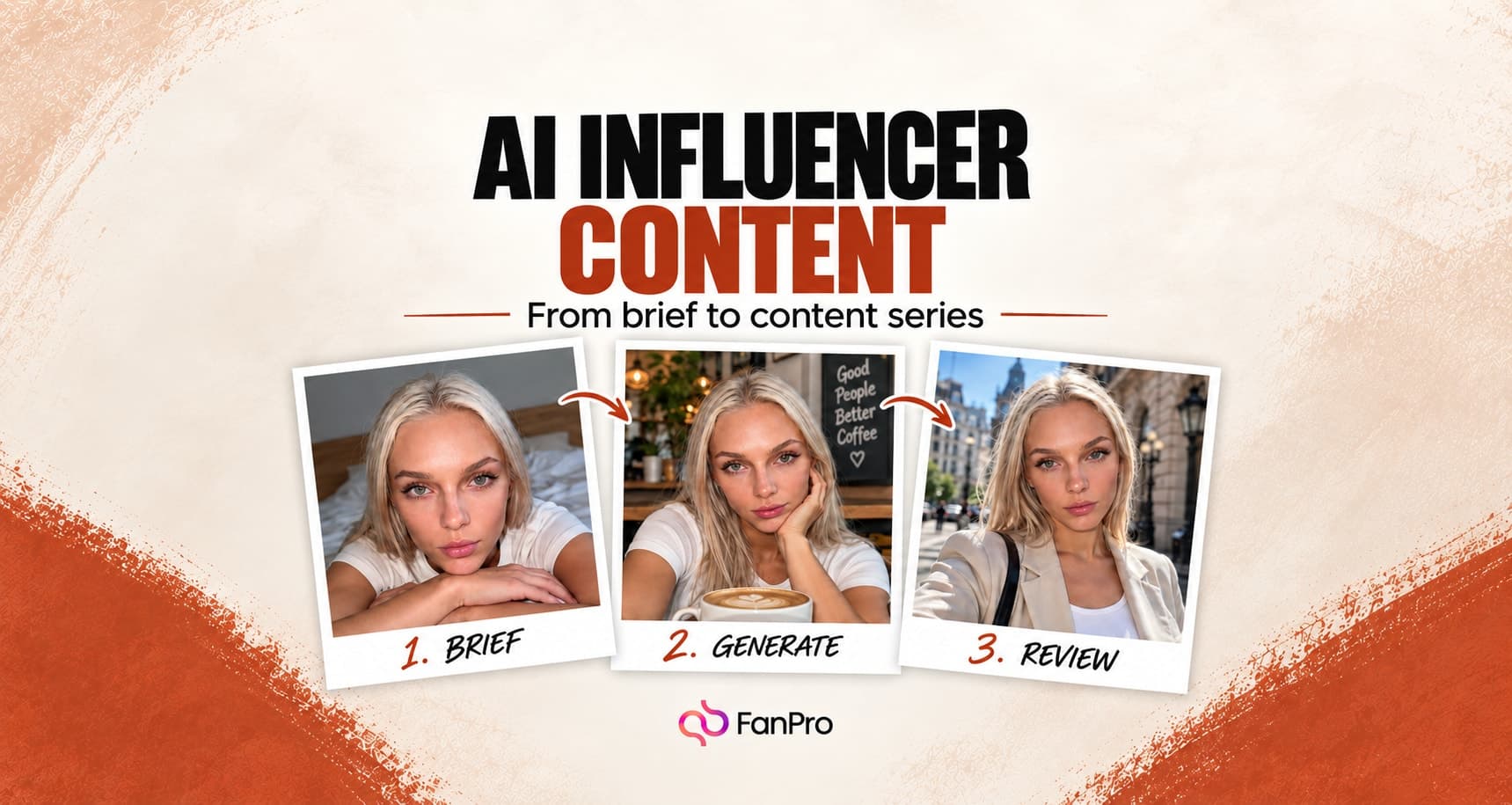

Choose a replication tool by the input that best expresses your idea. A still image communicates a starting composition, a reference clip communicates motion, and two frames communicate a transition.
This guide explains how those inputs map to the tools so you can write a brief that fits the workflow.
Choose the input before the tool
| Your main reference | Tool | What you direct |
|---|---|---|
| A still frame to animate | Image to Video | Motion from an existing image |
| Movement in a reference clip | Trend Replicate | Character, motion reference, and background choices |
| A start and an end image | Frame to Frame | The transition between two frames |
| Visual elements from still images | Replicate Image | Character and scene or style references |
Do not choose a tool only because a reference is popular. Decide whether you want its movement, framing, setting, or another visual element. Then select the input that communicates that element clearly.
Understand the Trend Replicate inputs
Trend Replicate separates Select Influencer and Reference Image from Select Video. Choose the character first, then provide the movement through File or Link. The source-video input in these designs states up to 30 seconds; check the current limit in the tool before preparing your file.
The Motion Library includes Presets, My Motions, and Uploads. Use a source with a readable subject and a clear movement. A reference with cuts, occlusion, or several competing actions is harder to evaluate.
Decide where the scene should come from
Advanced Setting includes First Frame Image and Background Control Mode. The first-frame input specifies the image you want the video to start from. Background Control Mode asks whether the background should come from the image or the video.
Make that choice before generating. If your character should remain in a café while borrowing motion from another setting, the background decision is part of the brief, not an incidental detail to inspect only afterward.
Use Frame to Frame for a planned transition
Frame to Frame provides Start Frame and End Frame inputs. The Prompt asks you to describe the motion or changes between them. Choose images that can support the transition you want, then explain the movement in plain language.
Review how the clip connects the two frames. A matching start and end do not guarantee that the middle of the motion is coherent.
Evaluate the result against one intention
Watch the clip in full, then compare it with the reference and your brief. Separate motion accuracy from visual identity and background consistency. This tells you which input needs changing.
- The intended action is readable.
- The character remains recognizable.
- The scene follows the chosen background direction.
- The camera behaves consistently.
- The beginning, middle, and end all pass review.
Change the weakest input rather than rebuilding everything. If the motion is right and the background is wrong, revisit background direction. If the subject changes, revisit the character reference or the complexity of the movement.