
Welcome to Creator Notes, a practical collection of ideas for making more deliberate work in FanPro.
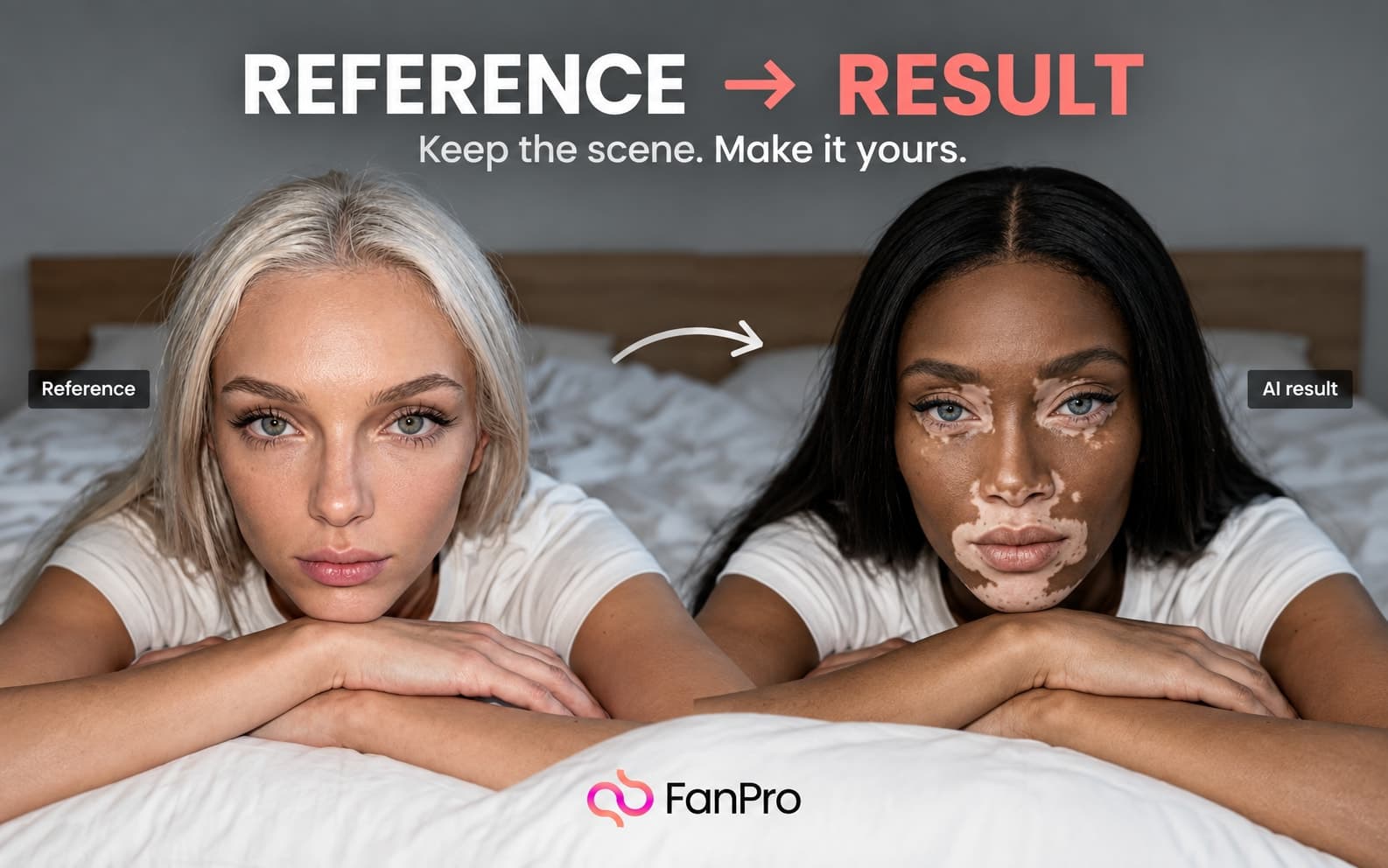
This edition follows one character from the Influencer Builder into a small image series. The aim is to create a consistent direction you can evaluate and repeat.
Start with one identity
Before generating a series, decide which details belong to the character and which belong to the scene. Identity and appearance should stay recognizable. Clothing, activity, and setting can change to serve each piece of content.
In the Builder, work through Identity & Skin, Face, Hair, Body, and Style. Review the first result closely. Keep a short description of the traits you intend to preserve so later decisions have a common reference.
Try a three-scene brief
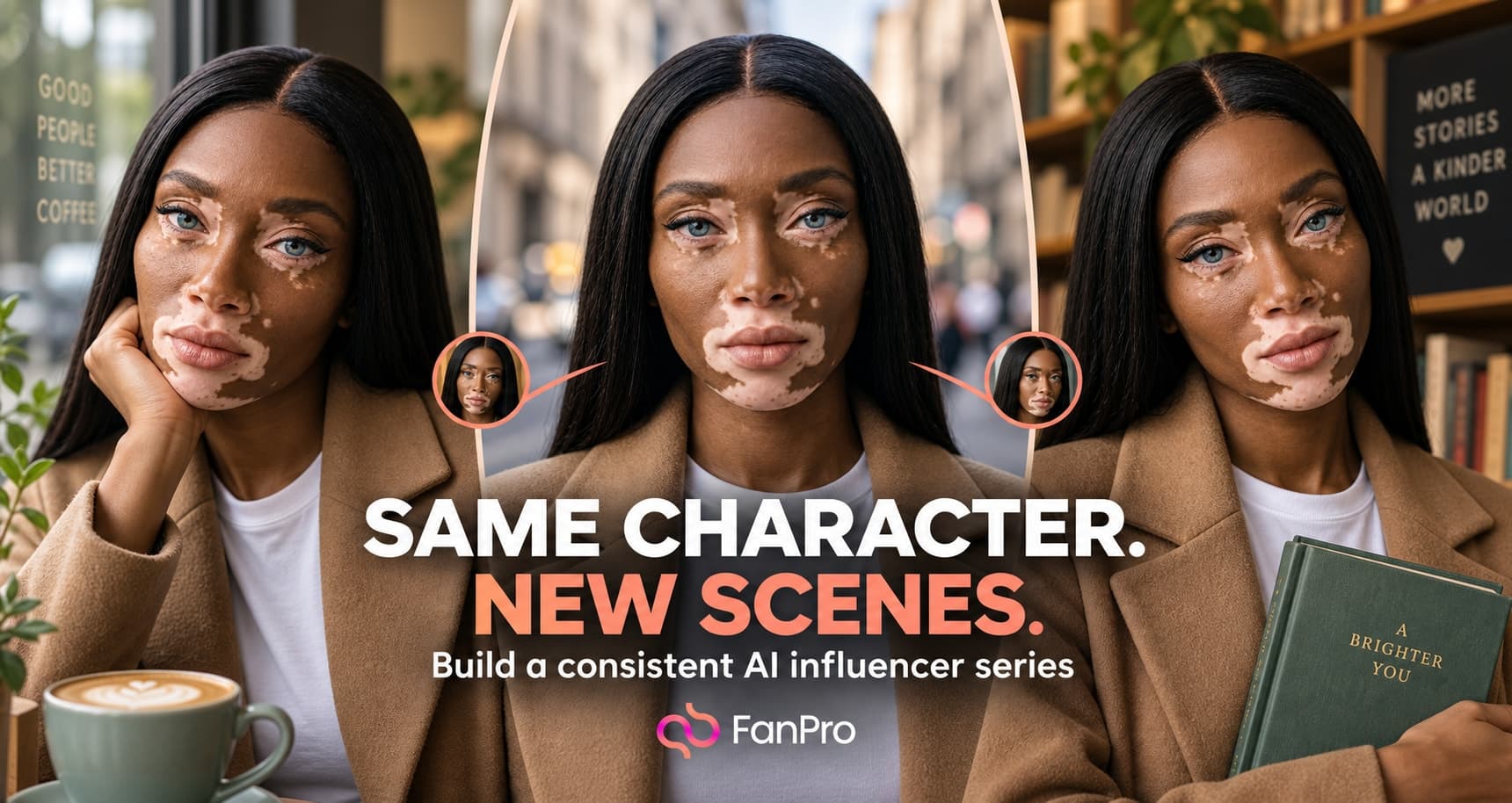
Choose three related scenes for the same adult character: a café portrait, an outdoor walk, and a desk scene. Keep the palette and overall styling consistent, then change the action and setting for each image.
Use Select Influencer in Images, then write the scene in Prompt or use the structured Outfit, Activity, and Scene inputs. Review one result before moving to the next scene.
Keep the prompt with its context
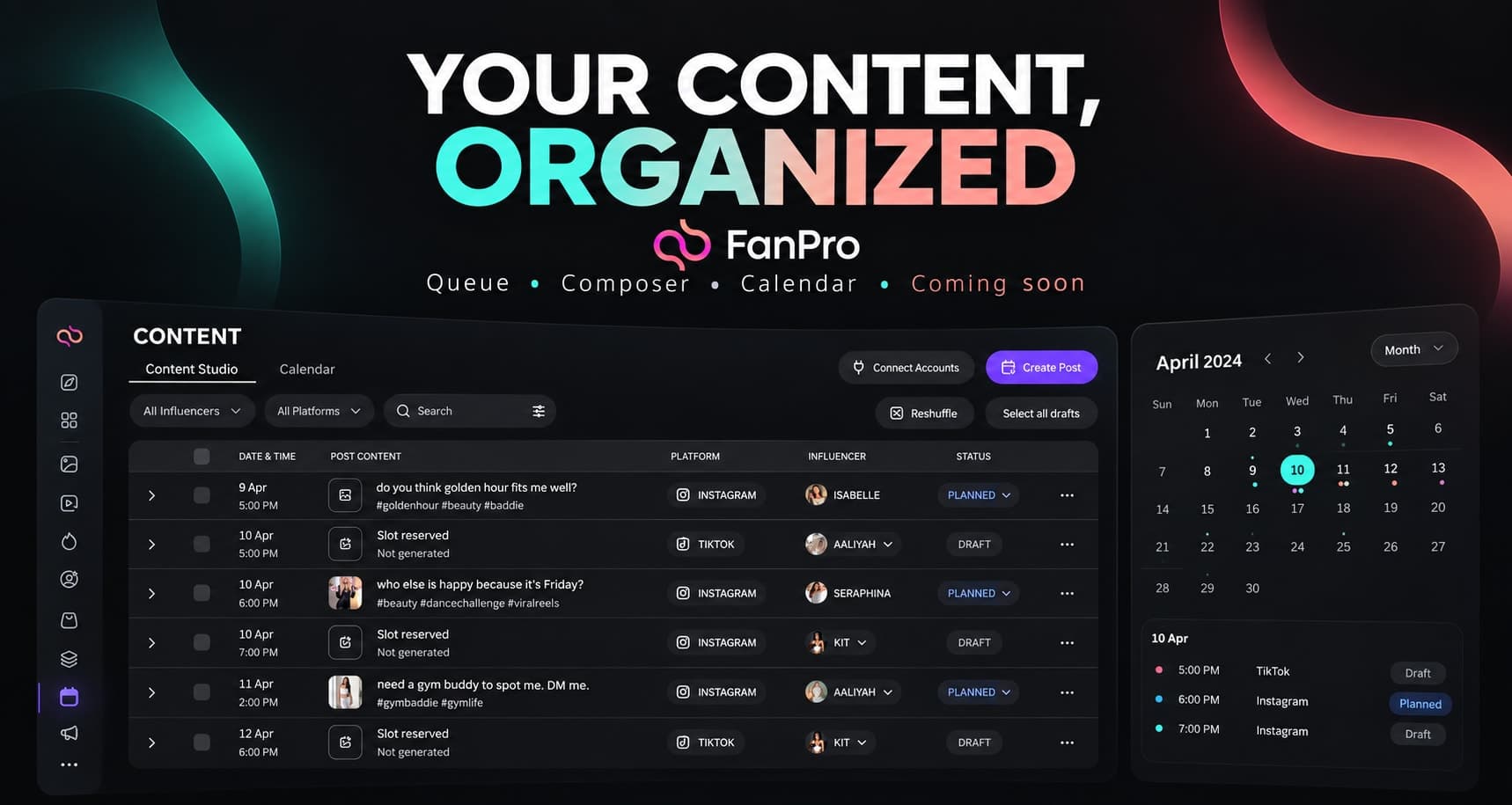
When a setup works, retain the wording alongside the selected character, mode, and framing. Use Prompt Library’s folders and favorites to keep reusable starting points easy to find.
A useful note records what should stay and what can vary. That makes the next generation an informed variation instead of an attempt to reconstruct why an earlier image worked.
Read next
Build your own AI influencer
A complete walkthrough of character creation and review.
Organize and reuse prompts
Keep a library that helps with the work you repeat.
For your next session, choose one character, prepare three related briefs, and keep the version that best matches each brief. Compare consistency across the set before making more.