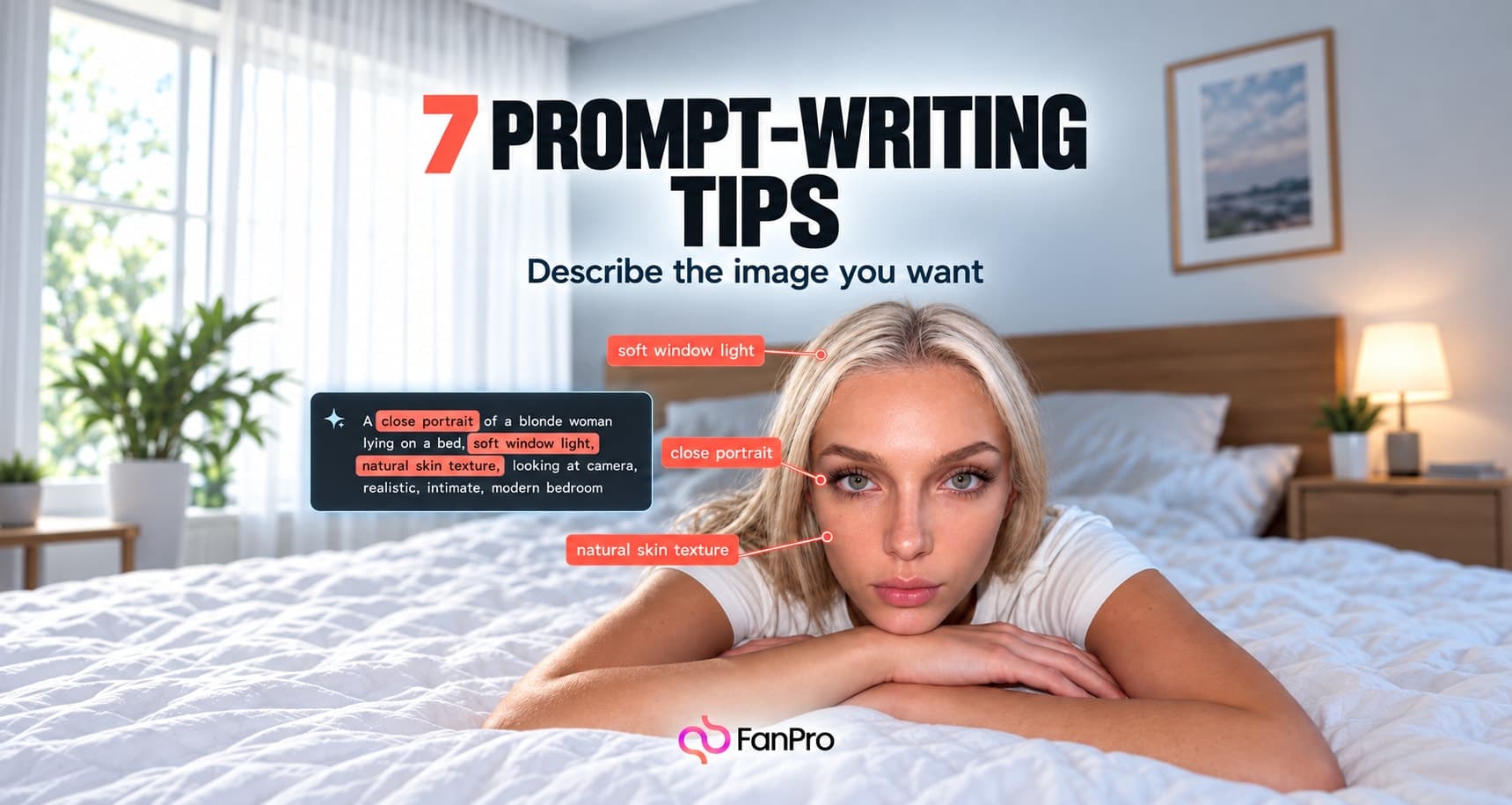

A saved prompt is most useful when you can find it again and understand why it worked. Treat your Prompt Library as a set of reusable creative starting points, not a drawer of unexplained text.
The Assets workspace gives Prompt Library its own tab alongside My Generations, Uploads, and Purchased Models. Use that separation to keep instructions distinct from the media they produced.
Open the right library
Go to Assets and choose Prompt Library. Start with Search when you remember the subject or a useful phrase. Use the filters to narrow the collection when you remember the kind of generation instead.
- Type narrows the kind of content.
- Model and Engine help distinguish different generation configurations.
- Content Rating separates the relevant content categories.
- Favorites Only limits the view to prompts you have marked.
- Latest and All time help you browse by recency.
Keep the reason, not only the wording
When you save a useful prompt from a generation workflow, retain enough context to reuse it deliberately. Record the selected influencer, mode, ratio, and the part of the result you wanted to repeat. A prompt that produced a good close portrait is not automatically a good full-body prompt.
Organize around the work you repeat
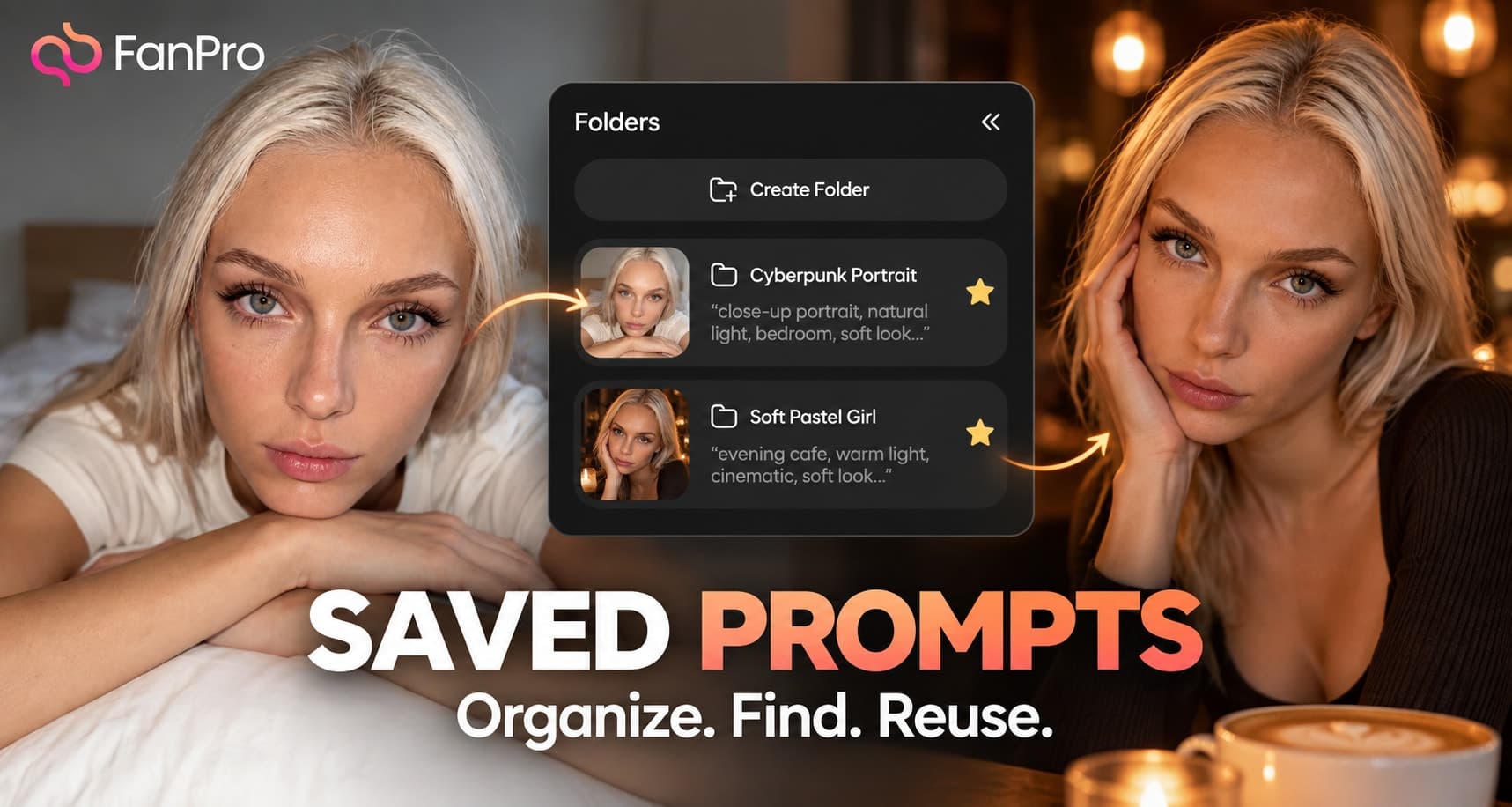
Use Folders to group prompts by the tasks you actually perform: portraits, outfit scenes, environments, or a specific series. Keep favorites for the prompts you return to frequently rather than every prompt that produced a usable image.
Naming should help you make a decision. “Portrait — window light — medium frame” tells you more than “best prompt”. If two versions serve different purposes, describe that difference instead of treating one as an unexplained replacement.
Reuse the structure and update the brief
When you bring a prompt into a new generation, read it before running it. Replace the scene-specific details and check that the current influencer and output settings still fit. Old clothing, props, or framing instructions can survive in a prompt unnoticed.
- Keep the parts of the visual direction you want to repeat.
- Replace names, objects, actions, and settings that belong to the previous image.
- Check for conflicts with selected presets.
- Generate a small comparison before using the prompt for a larger set.
The benefit is a more informed starting point. It does not remove the need to review the new result, especially after changing the mode, character, or aspect ratio.
Keep the collection useful
Review the prompts you actually use. Remove ambiguity from names, keep meaningful variants together, and stop favoriting obsolete versions. A smaller set of understandable prompts is easier to work with than hundreds of entries whose purpose is unclear.