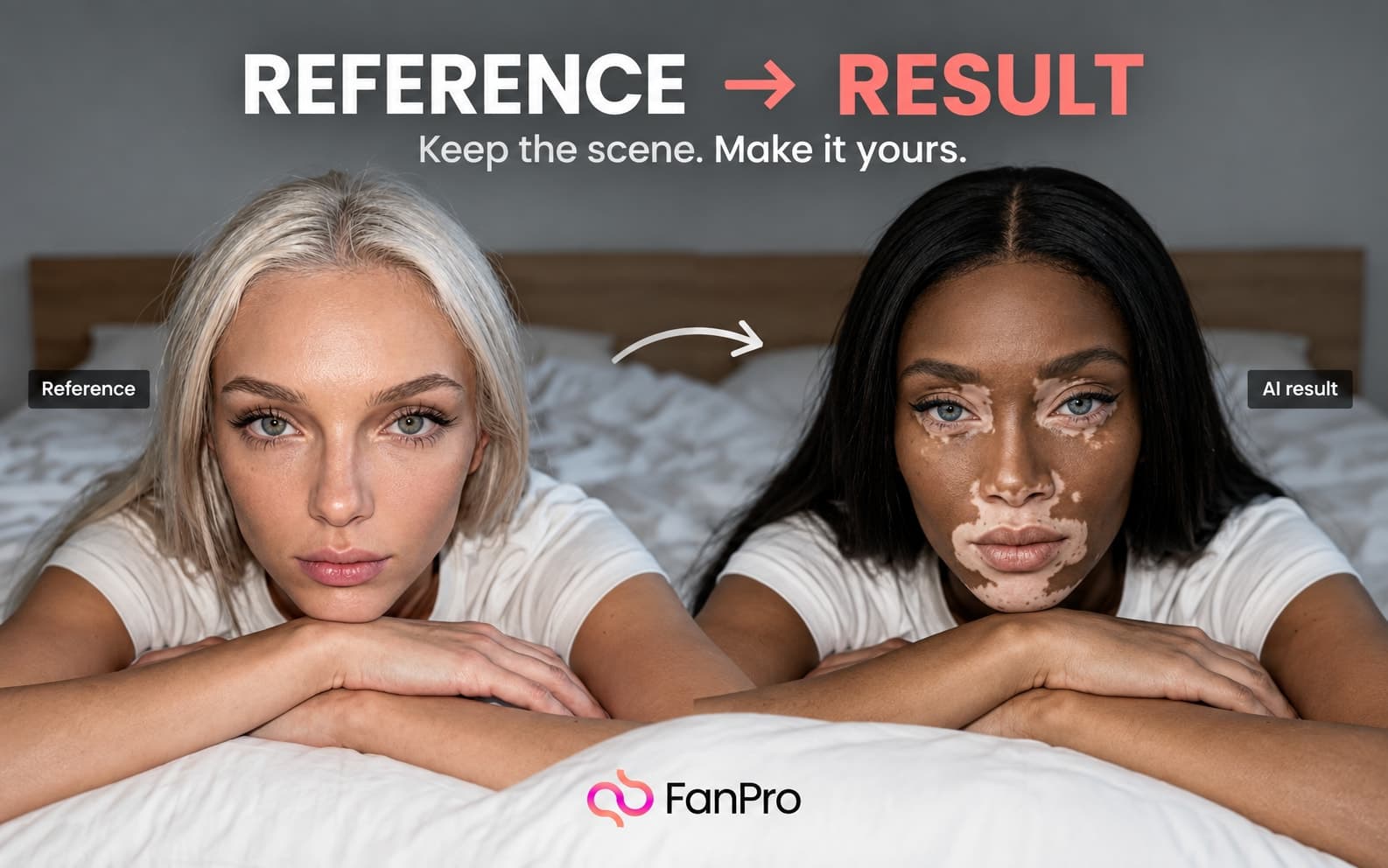

A useful reference is more than an image you like. It communicates a choice: a camera angle, a lighting setup, a movement, or a relationship between the subject and the scene.
In this edition of Creator Notes, turn that observation into a brief you can actually use.
Name the element you want to learn from
Open Inspiration and find a reference that relates to your next idea. Inspect View details and compare Source post with Similar posts. Write one sentence about the element you want to adapt.
“I like this image” is hard to act on. “I want the low angle, side light, and open space above the subject” gives the next step a direction. Use references you have permission to work with.
Choose an input that communicates the idea
Replicate Image lets you separate the intended character from visual references. Image to Video starts with a still frame and adds motion. Trend Replicate uses a motion reference, while Frame to Frame directs a transition between images.
Keep the tool choice connected to the brief. If the composition is the useful part, begin with an image workflow. If the movement matters, identify a clear action that can be evaluated in a clip.
Make one comparison before expanding
Review the whole image or video, including details that are easy to overlook: hands, accessories, background objects, and the middle of a motion sequence. Use Edit Image for a specific correction. Use Upscale when the reviewed image needs a different size or enhancement treatment.
Keep the reason you selected a version
Record the prompt and settings along with a short note explaining why the selected version works. This turns the finished asset into a starting point for the next brief.