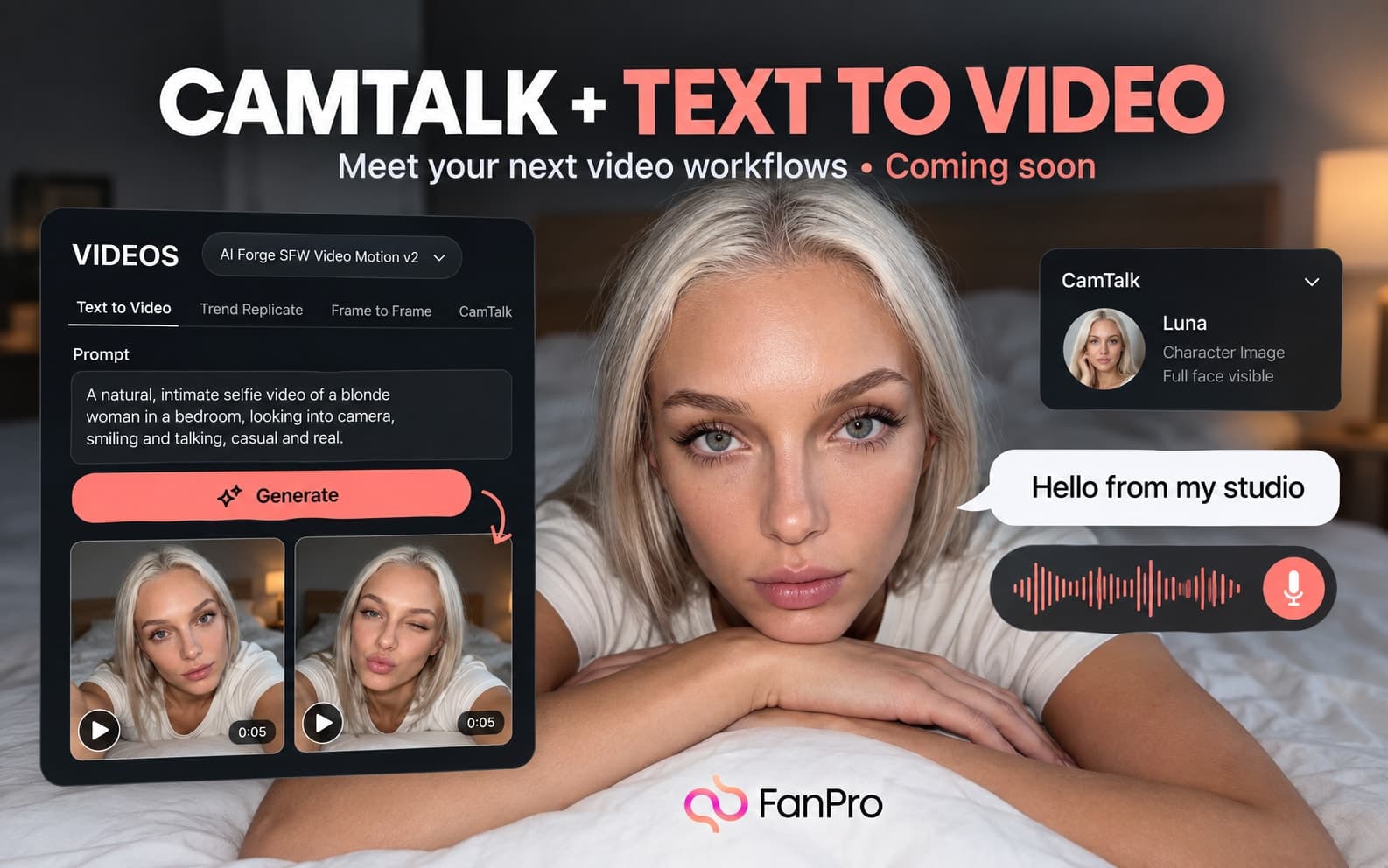

We are sharing a design preview of two upcoming video workflows: CamTalk and Text to Video. They begin with different kinds of direction, so each is suited to a different creative starting point.
These are planned interfaces. This letter does not announce availability or a launch date; the final options may change.
CamTalk starts with a character and speech direction
The CamTalk design uses a Character Image and asks for a full face to be visible. An optional CamTalk to Copy input offers presets for a performance reference.
Audio Setup includes Text to Speech, Upload Audio, and Background Sound. The speech controls show voice, speed, and language choices. A Prompt field provides additional direction, with output controls near Generate.
Prepare a clear character image and a short script. Read the script aloud before using it: a line that reads well silently can still be awkward to deliver. Decide the intended pace and expression in plain language.
Text to Video starts with the scene you describe
The Text to Video design is marked BETA. It includes Select Influencer, a Prompt field, and output controls for ratio, duration, and count. The example selections in the design are 16:9 and 5s; final choices should be checked in the released tool.
Describe one coherent shot first. Subject, action, setting, and camera direction should support the same scene.
Prepare a review before generating
| Workflow | Prepare | Review |
|---|---|---|
| CamTalk | Character image, short script or permitted audio, performance direction | Face consistency, delivery, pacing, and audio alignment |
| Text to Video | One scene, a clear action, camera direction | Scene coherence, motion, identity, and the full clip |
Use an original or authorized voice and source media. Review every output before sharing it, including the middle of the clip and its ending.
Continue building image and motion briefs
While these workflows are upcoming, you can prepare character references and learn how a focused motion prompt behaves in Image to Video. Keep those assets and briefs organized so they are ready to adapt when new tools become available.