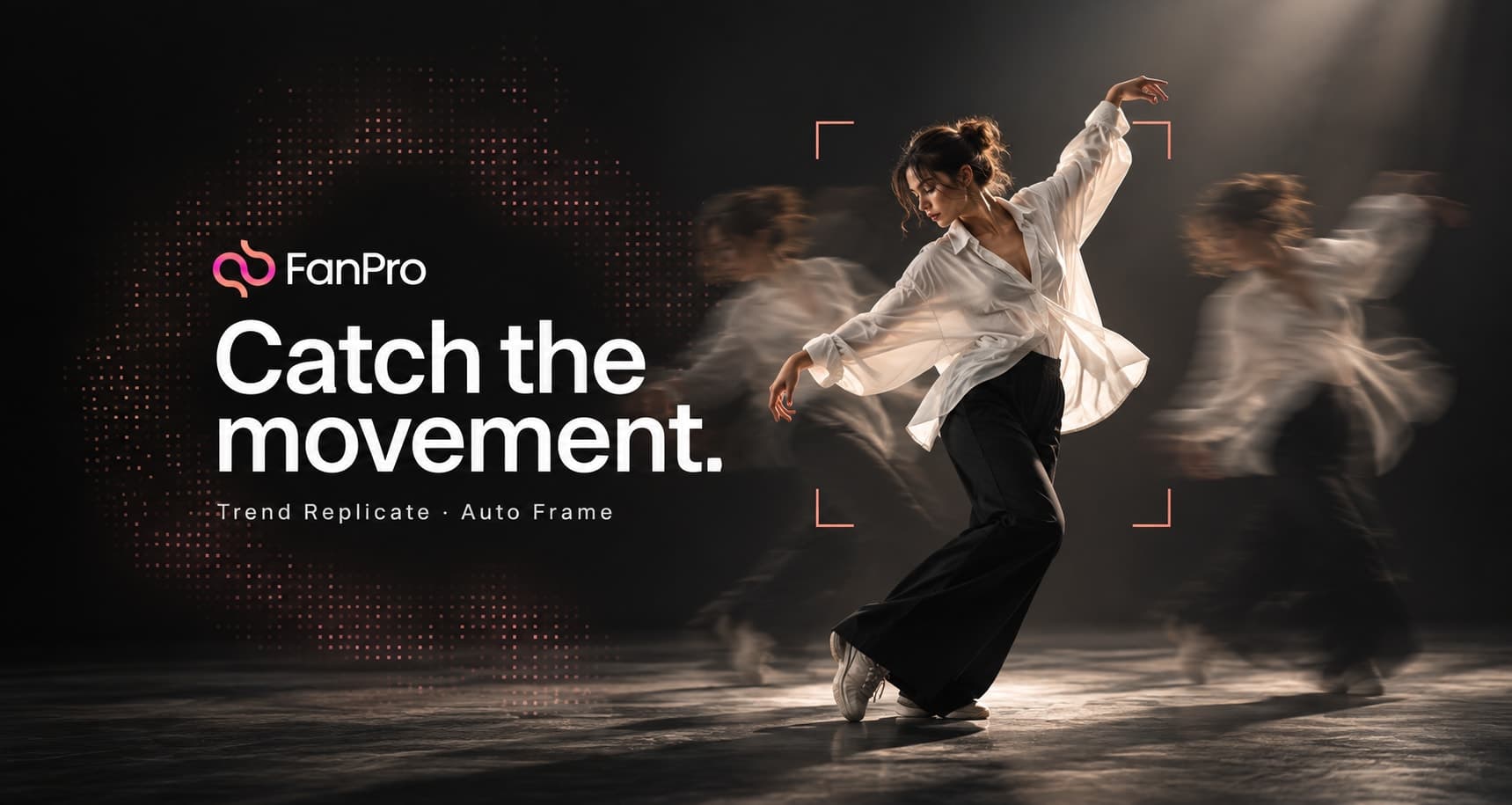

Find a trend you want to recreate on Instagram, TikTok, or another supported video platform, then bring it into FanPro with your own AI influencer. Trend Replicate uses the reference video to guide the movement, while Auto Frame creates the starting image for your chosen character.
Paste a link or choose a saved motion, select your influencer, enable Auto Frame, and give the scene your own direction. FanPro handles the first-frame image and video generation together, so you can move from a reference to a new piece of content without preparing the starting image separately.
Choose a trend and your AI influencer
Start with a video whose movement or performance you want to recreate. A recognizable gesture, a dance sequence, or a creator-to-camera moment gives the new clip a clear direction. The reference supplies the action; your selected influencer supplies the character.
Open Videos, choose Trend Replicate, and select the influencer you want to appear in the result. The workspace shown here uses Trend Replicate Pro. Use an existing influencer from your collection, or Add new if you need to bring in another character.
Paste the video link and enable Auto Frame
The numbered screenshot shows the setup in four actions:
- Select your AI influencer.
- Choose Link under Select Video and paste the video URL.
- Click Add to load the reference.
- Turn on Auto Frame.
The input shown accepts a video up to 30 seconds. Pick a source that fits that limit and contains the action you want. File also opens the route to Motion Library and your own uploads.
Auto Frame is marked Experimental in this interface. Review its starting image and the finished clip together as you try different references.
Choose and save references in Motion Library
You can start from a motion already on the platform instead of pasting a new link. Under Select Video, choose File, then click the media button inside the Video field to open Motion Library.
Motion Library brings Presets, My Motions, Uploads, and Search into one panel. Browse the available motions and select a reference for the clip you want to make, or upload your own video and save it to the platform.
Saved motions are reusable. Return to the library later, choose the same motion, and select a different influencer to create another version. You can keep a useful movement in your collection while changing the character, outfit, or background for each new clip.
This makes the library useful for recurring formats: save the references you want to repeat, then use them as starting points across your influencer collection. After selecting the motion, continue with Auto Frame and your creative direction.
Let Auto Frame create the starting image
Auto Frame creates a first-frame image for your selected influencer that matches the opening frame of the reference video. This gives the video a starting composition built around your character, with the outfit and background forming part of that image.
You can also decide how the outfit and background should look. Describe the changes you want in your creative brief so the result fits your influencer’s style. Keep the movement you want from the trend while giving the scene its own visual identity.
Generate the first frame and replicated video
With the reference added, your influencer selected, and Auto Frame enabled, click Generate. FanPro takes care of creating the first-frame image and producing the replicated video as part of the workflow.
The two processing cards make those outputs visible in the results area. Wait for the generation to finish, then open the image and play the video to see how the reference has been adapted to your influencer.
Watch the reference and generated result together
In the example below, the large video is the original reference and the smaller inset is the FanPro-generated result. Compare the timing, body movement, and gestures across the two views while noticing how the character, clothing, and setting change.
Trend Replicate: reference and generated result
Read video description
The original reference fills the large view: a dark-haired creator in a white top and jeans moves in a pink room. In the smaller inset, a short-haired character in a cream outfit follows the corresponding gestures against a dark background. Both turn, move their arms, and raise their hands through the sequence. This is a result comparison, not a recording of the setup or generation process.
Watch the complete result before choosing it for your next post. Check that the influencer remains recognizable, the movement follows the intended action, and the outfit and background reflect your direction. If something needs changing, refine that part of the brief and generate another version.