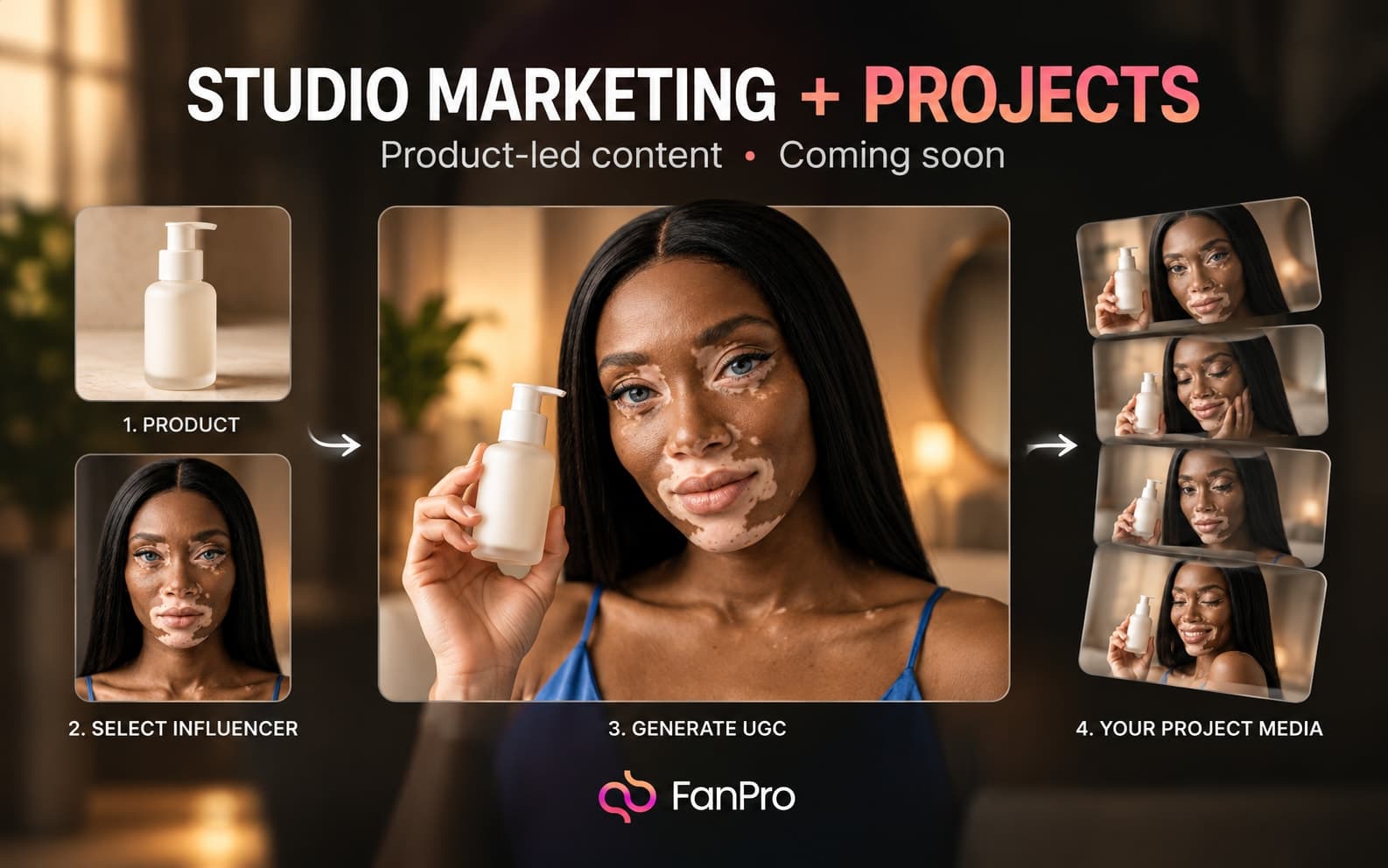

The upcoming Studio Marketing and Projects designs bring product context and creative organization into focus. Studio Marketing starts with the product and the kind of asset you want to make; Projects provides a place to group work.
This is an undated preview of the planned interfaces. It does not confirm a rollout date, supported commerce integrations, or collaboration permissions.
Choose the kind of creative you are making
Studio Marketing presents UGC, Commercial, and Static Ads. Start by deciding the role of the asset: a creator-style presentation, a commercial concept, or a static composition.
The design includes Select Influencer and a required Product input. Choosing the product first gives the scene and wording a concrete subject rather than leaving them to inference.
Prepare the product information
The product picker includes All, App, and Service views, plus Paste any product link and Add Manually. These are planned entry points; supported sources and import behavior should be checked when the tool is released.
- A clear product name and accurate description.
- Product images you are entitled to use.
- The specific feature or use case the creative should communicate.
- Any wording or visual detail that must be accurate.
Keep claims tied to the actual product. A reference ad can inform style, but it should not introduce promises or capabilities your product does not have.
Give each reference a role
Media references and the Prompt field help express the visual direction. The design supports referring to selected inputs with @ references. Explain what each reference contributes: product appearance, framing, setting, or another specific element.
The output setup includes Duration, Ratio, Resolution, and Audio controls where relevant. Check the controls for the selected creative type instead of assuming a video and a static image use identical settings.
Group the work in Projects
The Projects designs include Create Project and a shared project view with All, Images, and Videos filters plus a Latest sort. Use a project name that explains the campaign or brief it belongs to.
Prepare a simple naming convention now: product, campaign, and intended format. Keep the approved brief beside the selected assets in your existing process until the upcoming project workflow is available.
Review for product accuracy and usefulness
Check the generated asset against the real product and the intended message. Inspect product geometry, visible details, the relationship between the creator and product, and any text. A visually appealing result still needs to communicate the correct product.