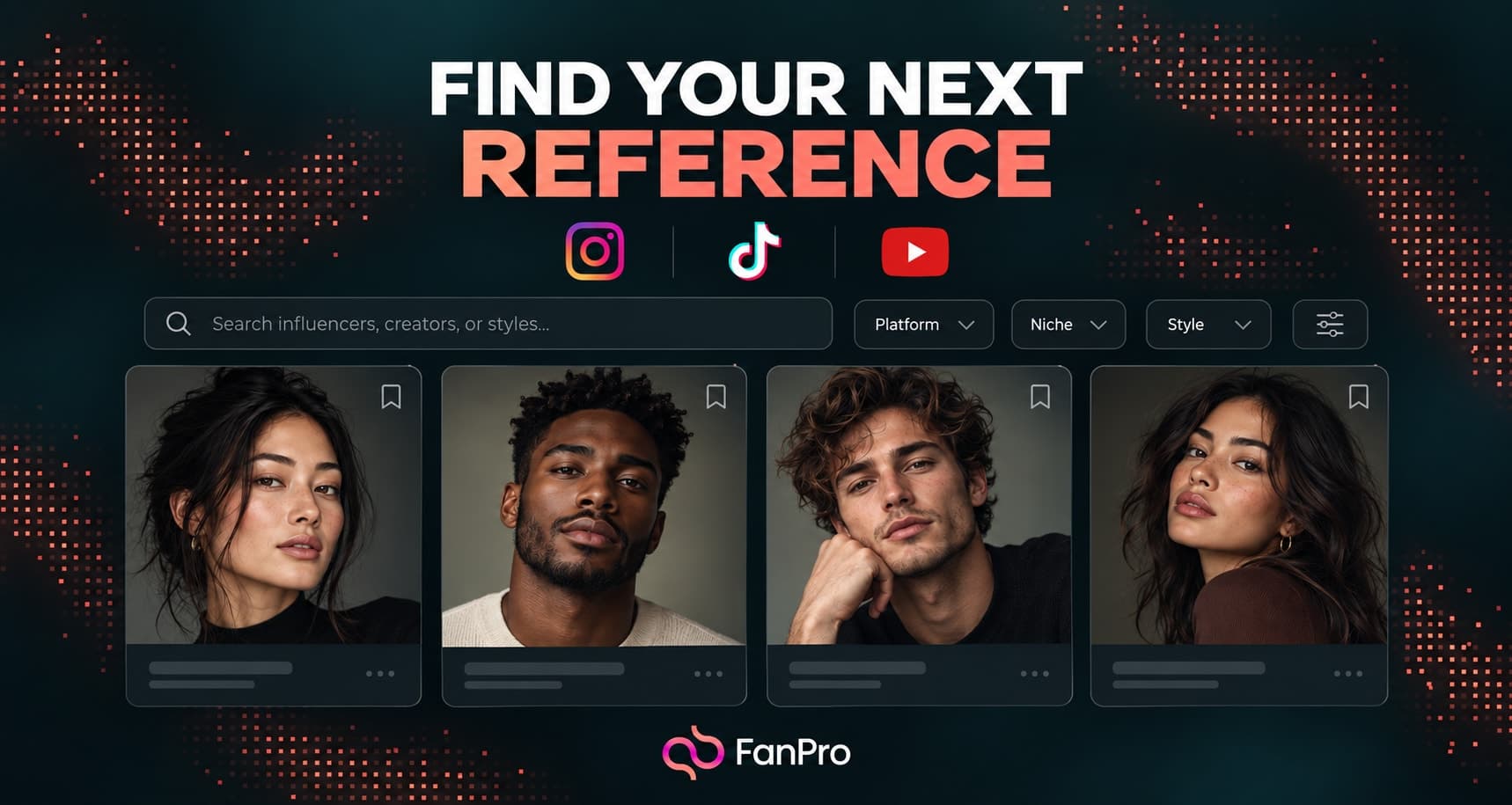

Inspiration helps you find and inspect references before starting a new creation. Its search and filters let you narrow the collection by source, media type, and the kind of post you want to study.
The platform filter in the current designs lists Instagram, TikTok, and YouTube. Use the options shown in your workspace when choosing a source.
Start with a creative direction
Use Search with a scene, subject, or concept that relates to your brief. Favorites Only helps you return to references you have already marked, while Sort by Relevance organizes the discovery view.
Choose a reference for an identifiable reason: framing, color, motion, or styling. A popular post may be useful to examine, but its performance does not establish which element caused the result.
Use Platform and Post type together
The filters include Instagram, TikTok, and YouTube under Platform. Post type separates images and videos. Other criteria include AI Influencer, minimum likes, and minimum views for video.
Select the criteria that matter, then choose Show results. Clear all gives you a fresh starting point when the combination is too restrictive. Keep video-only criteria in mind when switching media types.
Open Source post and Similar posts
View details opens a closer look at the reference. Source post keeps the original item in focus, while Similar posts offers related examples with choices such as Best Match, More Recent, and Most Viral.
Compare several examples before deciding what to adapt. If the same composition appears across very different topics, it may be a useful visual format. If the effect depends on a specific person or context, copying the surface details may miss the point.
Turn the reference into a new brief
Write down what you want to learn from the reference and what should change for your own character or brand. Choose source material you are entitled to use, then select Replicate Image for still-image direction or Trend Replicate for a motion reference.