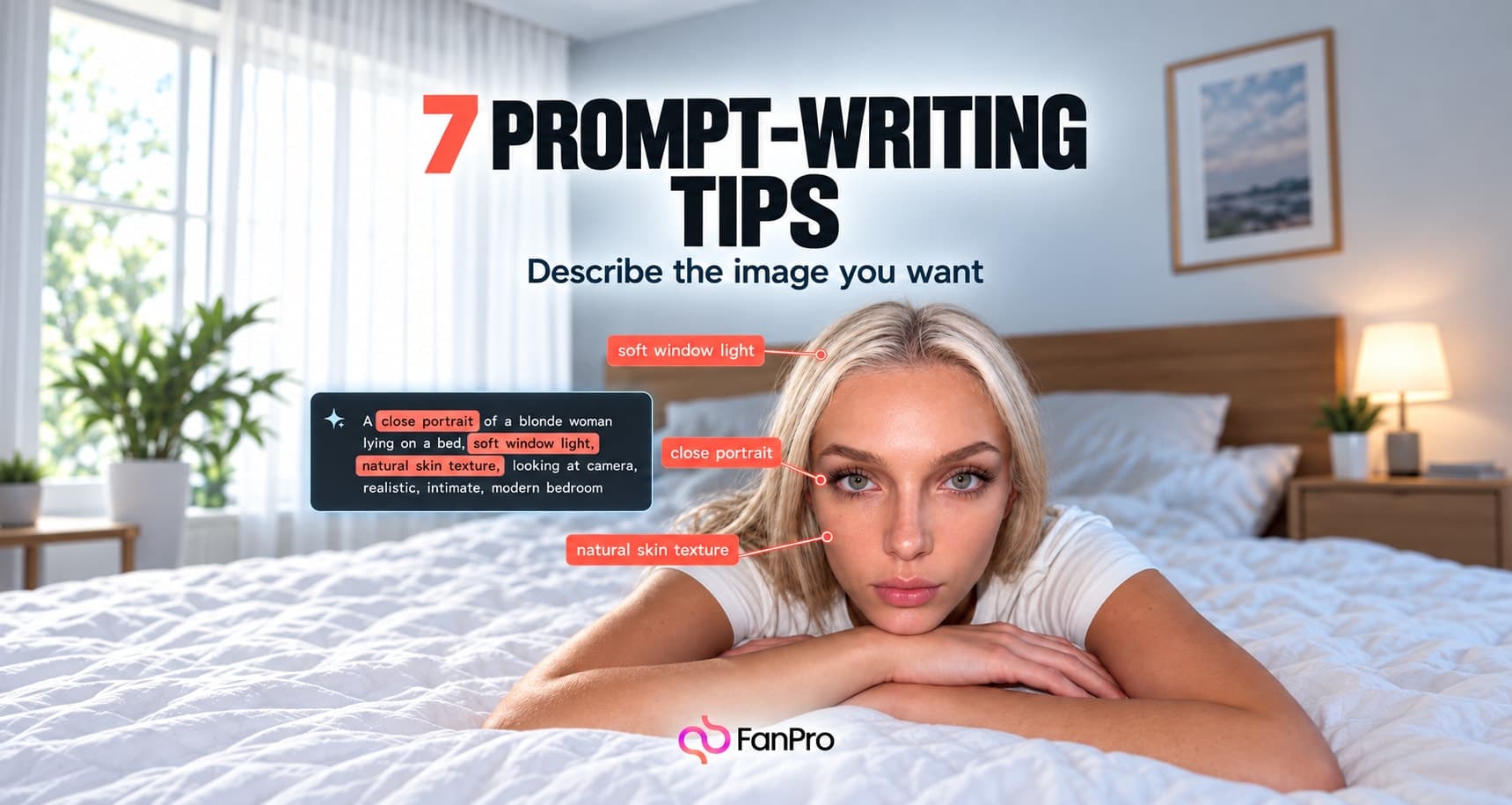

Prompt writing is easier when you can explain why one result worked better than another. These seven habits make your instructions clearer and your comparisons more useful.
Use them in Text to Image or adapt them to the structured Influencer Shot fields. They are creative techniques, not guarantees of a particular result.
1. Give the image one clear job
Decide what the reader should notice first. Is it an outfit, a facial expression, a setting, or an object? State that priority before adding atmosphere. A prompt that asks for everything at once gives you little basis for deciding whether the output succeeded.
2. Describe visible details
Replace abstract praise with things a camera could capture. “Premium” can mean many things; a plain stone backdrop, soft directional light, and a carefully framed accessory are visible instructions. Keep emotion when it matters, but support it with pose, expression, or setting.
3. Give each field a distinct purpose
In Influencer Shot, use Outfit for clothing, Activity for what the subject does, and Scene for the environment. In Text to Image, keep the same order inside one prompt. This makes your brief easier to scan and reduces accidental contradictions.
4. Match the camera to the subject
Use Shot Setup to choose framing and angle deliberately. If shoes matter, the frame must include them. If expression matters, the face needs enough space in the composition to read clearly. Add camera language that serves the idea, rather than a list of impressive lens terms.
5. Use presets as decisions
Composition, Style, and Background presets provide starting points. Review what you have selected before adding instructions that ask for a different result. A background choice and a contradictory scene description can make the output harder to predict.
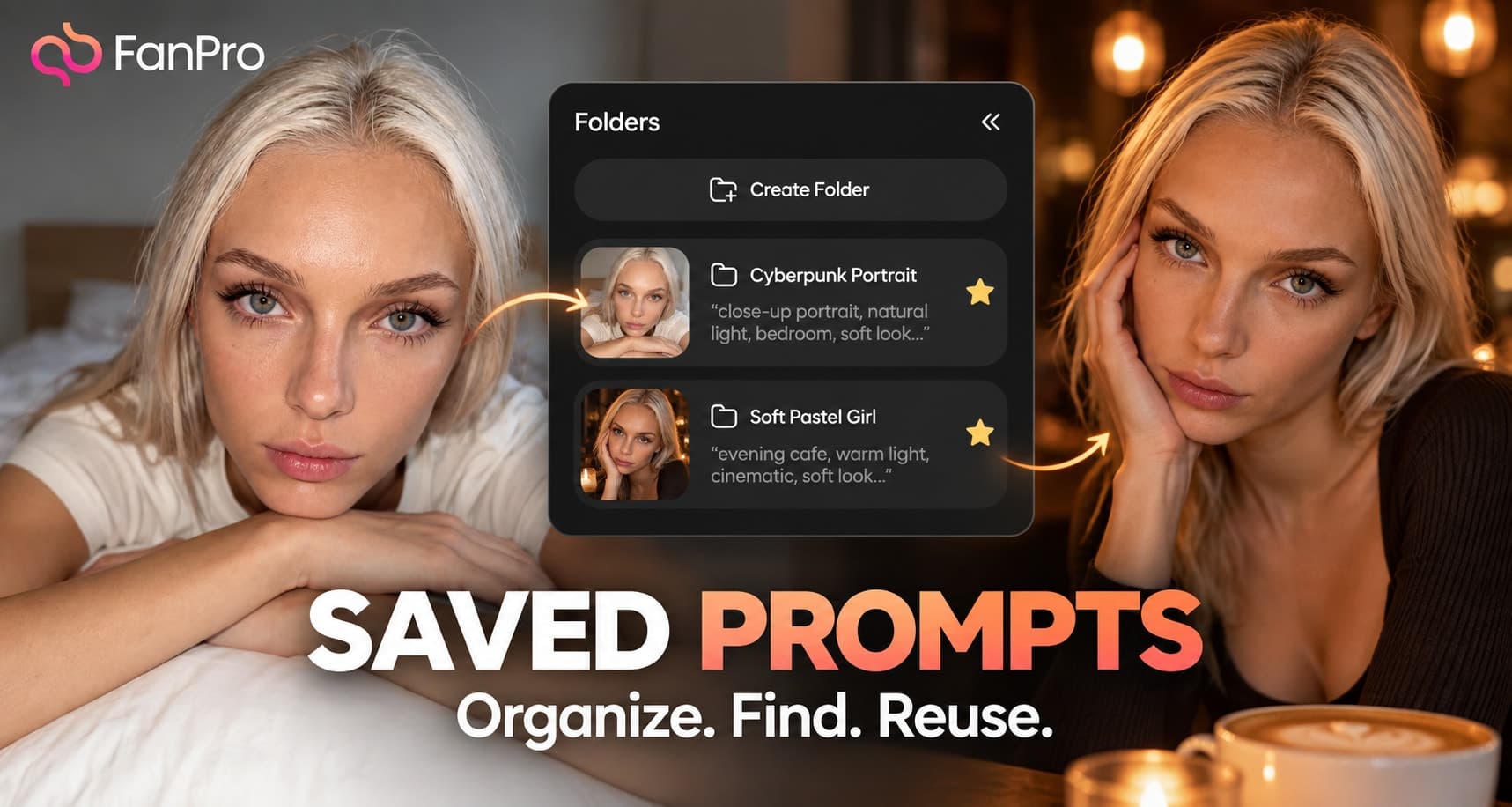
Try one preset family at a time. Once you understand its effect, combine it with another. Keep a note of the choices that belong to a repeatable visual series.
6. Change one meaningful variable
Keep the subject and scene stable while you compare a different camera angle. Then keep the angle stable while you compare lighting. Changing the character, outfit, background, and crop together produces a new image, but tells you little about which change helped.
7. Edit a good result instead of restarting every time
When the whole image is off-brief, revise the generation prompt. When the frame works and one detail needs attention, use Image Edit with a narrow instruction. Ask for the change and explicitly name the features you want preserved.